 READ NOTE ↗
Deciding What to Look At First — the ClawPod Cloud Administrator Dashboard
Align periods and scope, separate activity, resource limits and costs, and use a complete illustrative check report.
AUTHOR
Evidence-backed notes from ClawPod system design and operations.
READ NOTE ↗Align periods and scope, separate activity, resource limits and costs, and use a complete illustrative check report.
 READ NOTE ↗
Following the agent list from status filter to detail screen, and what an organization fills into the box ClawPod Cloud public documentation leaves empty.
 READ NOTE ↗
Separate conversation context, durable memory, and work status. Use a filled handoff example to verify decisions and recover when records are missing.
 READ NOTE ↗
An empty activity display does not prove work has stopped. Learn to check Agent status, Room messages, and deliverables before repeating a request or marking it complete.
 READ NOTE ↗
Set viewers, password ownership, and sharing scope before opening Agent Desktop. Separate Portal surfaces and conversation records without assuming unverified permission or audit controls.
 READ NOTE ↗
A Skill being present does not mean a task is ready to run. Check tools, material access and policy separately, then verify a small request and its deliverable.
 READ NOTE ↗
Specify the recipient, shared data, result and transfer boundary. Use a worked handoff to separate completion from pending work, and distinguish shared Tasks from one Agent’s Workboard.
 READ NOTE ↗
Replacing a ClawPod Cloud Credential and revoking a provider key are separate actions. Plan the cutover, verify each Agent, and distinguish recovery from exposure response.
 READ NOTE ↗
Check an artifact version against its downloaded file, and separate revision, sharing, and preservation decisions.
 READ NOTE ↗
Distinguish ClawPod Cloud attachment upload and preview rules, then request, count, and verify the required segment of a long CSV.
 READ NOTE ↗
Distinguish in-app notifications from browser push in ClawPod Cloud, investigate missing delivery, and leave a useful record for your team.
 READ NOTE ↗
When you hand ClawPod Cloud work on a list screen where the same button repeats down every row, the sentence that names the target and the three things a result must carry.
 READ NOTE ↗
Separate Default, Discuss, and Execute, understand when a selection applies, and turn a classification plan into a result you can verify.
 READ NOTE ↗
Identify the computer and permissions first, then test a small nonsensitive lookup and verify both the result and where work stopped.
 READ NOTE ↗
Separate essential inputs, references, and recurring rules, then check what the Agent actually read before accepting a draft.
 READ NOTE ↗
Separate trust in a CLI Harness from approval for a specific operation, then use a worked decision example to define ownership, scope, and verification evidence.
 READ NOTE ↗
A first guide to choosing a model by role, connecting its AI service, and checking a small document request.
 READ NOTE ↗
A document-based guide to Node Host setup on Mac or Windows 11, with required live-connection checks and the current verification limitation.
 READ NOTE ↗
A practical guide to the current security boundaries around discovery, use, rotation, delegation, deletion, ownership, sessions, and audit data.
 READ NOTE ↗
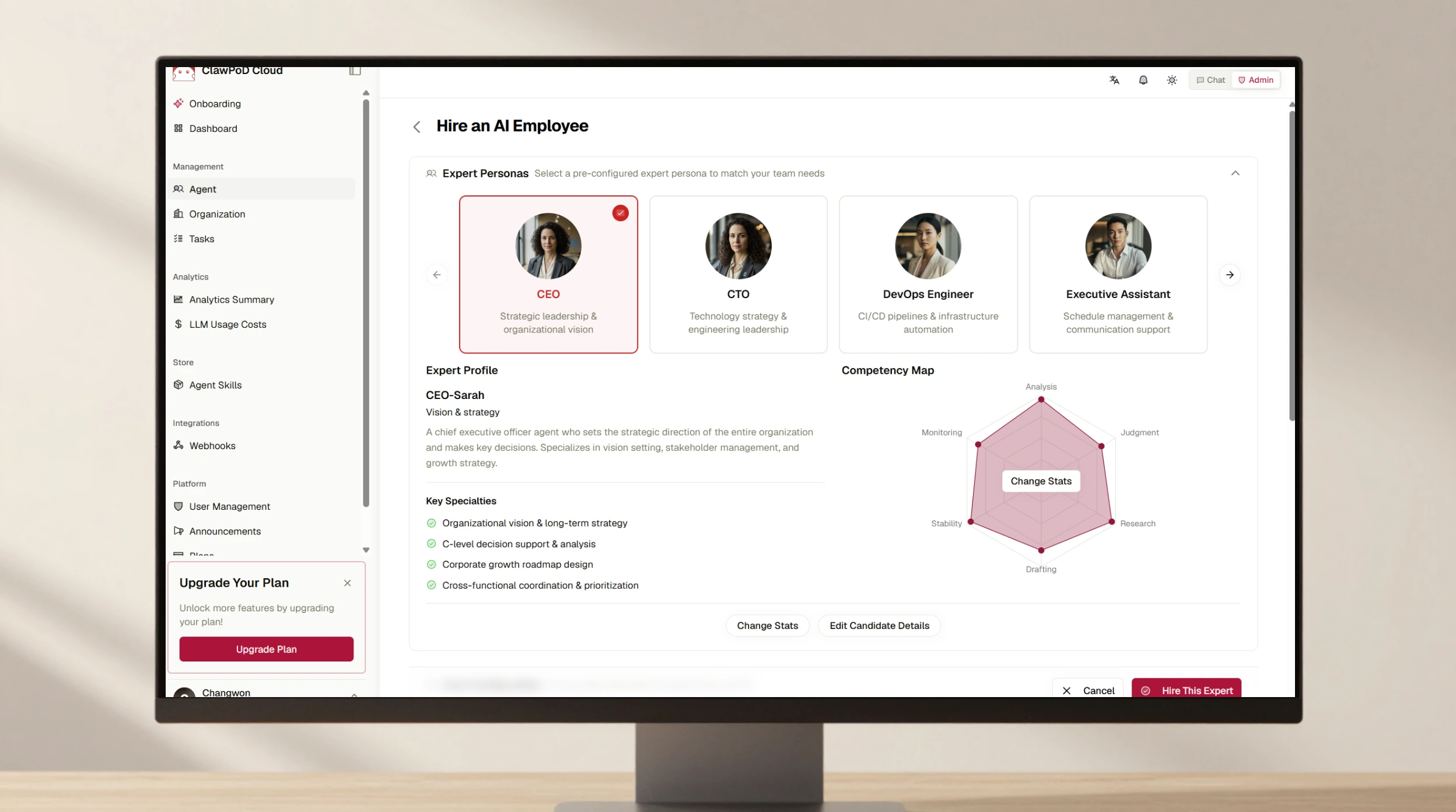
Follow the beginner path from signup or invitation through AI credentials, first-Agent setup, a dedicated Chat Room, and a verified first response.
 READ NOTE ↗
An operating design for an auditable agentic SOC built on separated authority, canonical case history, exactly-once effects, HumanDecision, and fail-closed recovery.
 READ NOTE ↗
A Clawpod Capability is a pre-verified, reusable combination of instructions and controlled execution tools for reliable agent work.
 READ NOTE ↗
Define outcome, order, constraints, verification, and approval, then use Workboard to sequence and verify complex agent work.
 READ NOTE ↗
Learn to write Capability descriptions in the user’s language, define clear boundaries, and verify every promised action.